Prototyping
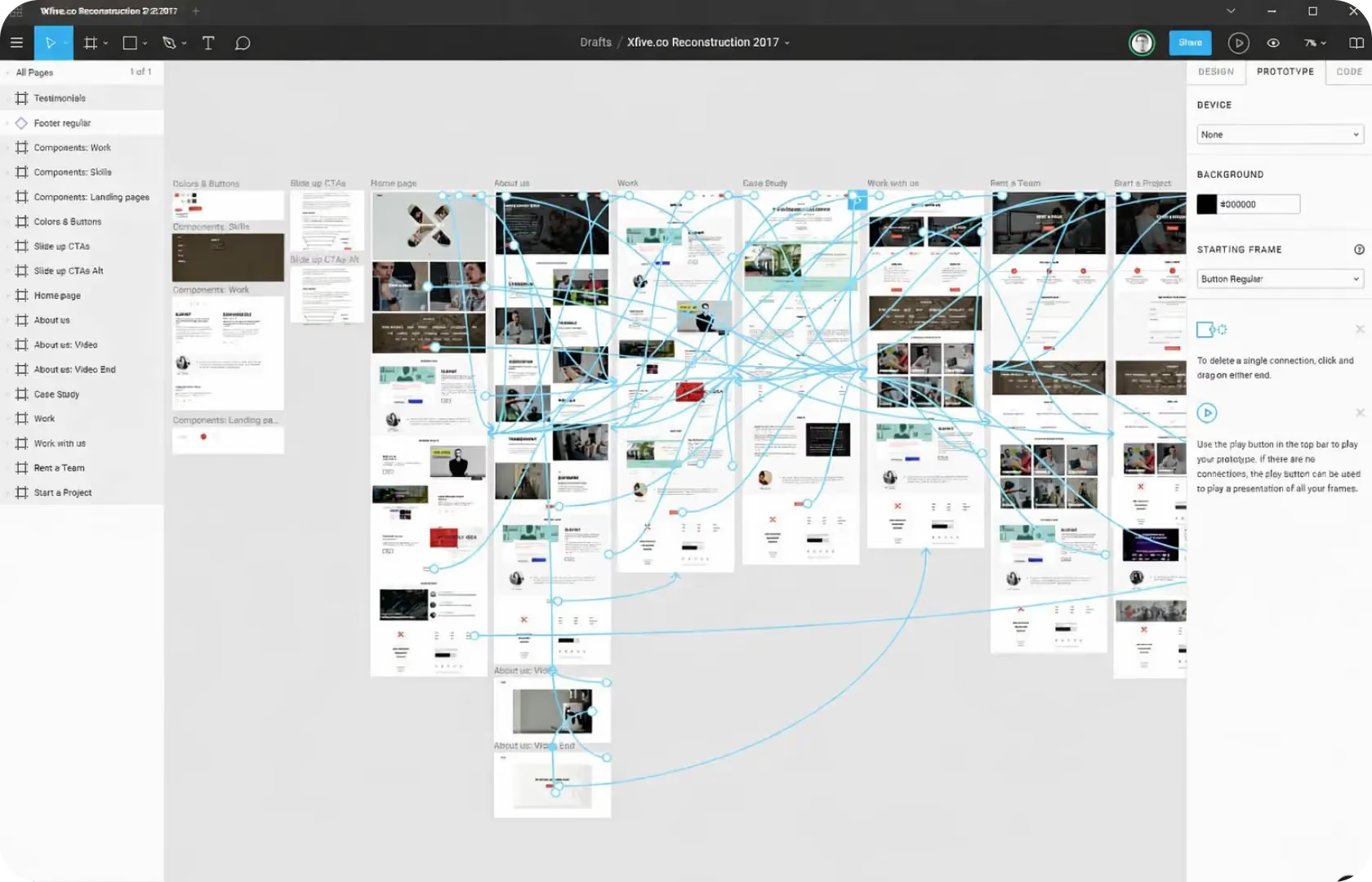
Prototyping in UI Design
Every design problem has a cost. The question is when you find it. A design problem found in a Figma prototype costs the designer an hour to fix. The same problem found during development costs the developer a day to implement correctly and the designer time to revise the spec. The same problem found after launch costs the development team a sprint to fix, the conversion rate while the problem is live, and the opportunity cost of a team that could have been building something else. The timing of discovery determines the cost. Prototyping is what moves discovery earlier.
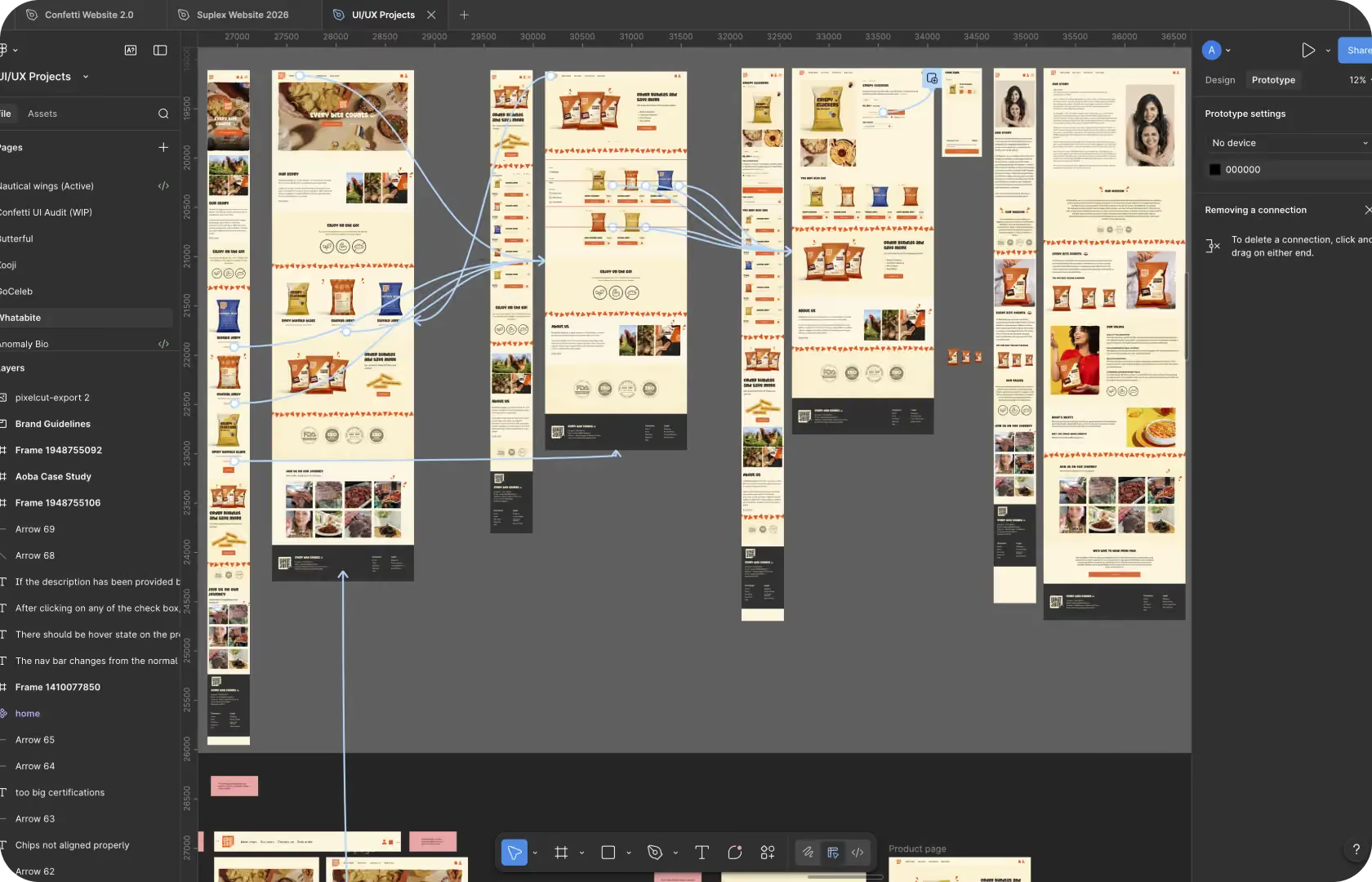
At Suplex Design, our team builds prototypes in Figma for D2C and e-commerce brands. Not static mockups. Interactive, clickable prototypes that simulate the real product closely enough for stakeholders to review decisions, for developers to understand interaction intent, and for real users to test before a line of code is written.
What a Prototype Actually Is
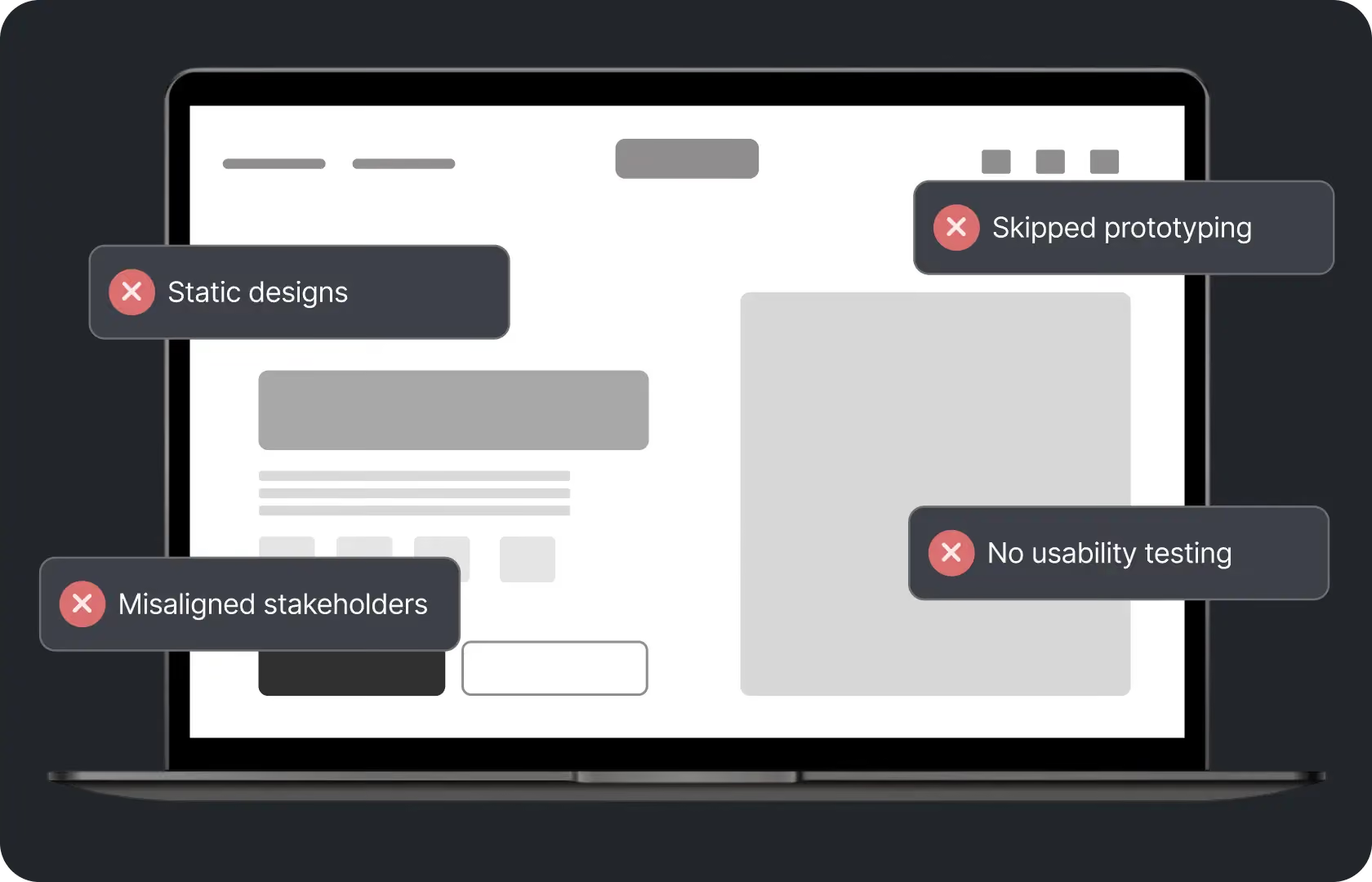
Not a finished design. Not a wireframe. Something in between that does something neither of them can. A static design file shows what a screen looks like. It cannot show what happens when a buyer taps the add-to-cart button, how the cart drawer opens, whether the animation feels right, or what the empty state of a wishlist looks like when a buyer tries to access it without saving anything first. A prototype can do all of these things because it connects screens to each other and adds interactions that simulate the real product.
The level of fidelity matters. A low-fidelity prototype uses rough wireframes to explore structural ideas quickly without getting feedback about colours. A mid-fidelity prototype is detailed enough to be testable with real users while still being fast to change. A high-fidelity prototype looks and behaves close to the finished product and is used for final stakeholder sign-off and developer handoff. At Suplex Design, we match the prototype fidelity to the decision it is being used to make.
How Suplex Design Approaches Prototyping
A prototype is not an output. It is a tool for making better decisions. That orientation shapes how we build them. A prototype used for early structural testing does not need to be visually polished. It needs to be honest enough about the hierarchy and the flow that a test participant can navigate it without being confused about whether a button works or not. A prototype used for developer handoff needs to specify every interaction state, every transition, and every edge case clearly enough that the developer does not need to invent behaviour the design did not specify.
Prototyping for Stakeholder Review
Presenting a static design file to a stakeholder produces feedback about how things look. Presenting a prototype produces feedback about how things work. Whether the checkout flow feels intuitive. Whether the product page scrolls in the right order. Whether the navigation is findable and usable rather than just present. This is different and more valuable feedback, because it surfaces decisions that looked correct in a static context but feel wrong in an interactive one. A button that appears well-placed in a screenshot might feel inaccessible when a thumb is navigating a real sequence of screens.
Our team of UI designers at Suplex Design builds stakeholder-facing prototypes at mid to high fidelity, connected across the key user flows so the reviewer can move through the experience rather than clicking through individual screens. The prototype is shared via Figma's presentation mode so stakeholders can access it on their actual phone or desktop without needing a Figma account, which removes friction from the review process and increases the chance that feedback is based on real device experience rather than a desktop preview.
Prototyping for User Testing
This is where prototyping produces the most commercially valuable feedback. And where it is most frequently skipped. Testing a prototype with five real users before development begins consistently surfaces significant usability problems that the team did not anticipate. Not because the team is careless. Because the team knows the product too well. They know where everything is. They know what every interaction does. They fill in gaps automatically. A first-time user does not, and watching them navigate a prototype without filling in those gaps shows you exactly where the design is asking too much.
At Suplex Design, we use Maze for remote unmoderated user testing of Figma prototypes. Participants are given tasks to complete, the prototype records where they click, how long they take, and where they fail, and we analyse the results before any design decisions are locked in. For brands with access to their own users, we can also run moderated sessions where a facilitator watches participants in real time and probes for reasoning behind their actions. Both methods produce insights that static design review cannot.
Prototyping for Developer Handoff
A design file without a prototype is an incomplete specification. Developers building from static screens have to make decisions about interactions, transitions, animation timing, and edge case states that the design did not show. Sometimes they get these right. Often they do not match what the designer intended. And the mismatch only becomes visible when the feature is reviewed after it has been built, at which point changing it requires reopening tickets, revising implementations, and consuming time that could have been spent on the next feature.
A prototype used for developer handoff at Suplex Design specifies: transition types and timing between states, interaction triggers and what they produce, empty states and loading states for every dynamic component, error states for every form and input, and any conditional logic that affects what the buyer sees based on their actions. This does not eliminate all ambiguity. But it reduces it to the point where most implementation decisions are not decisions at all because the prototype already answered them.
Micro-Interactions and Animation
The interactions between states are where a digital product either feels crafted or feels generic. The way a cart drawer opens. The transition when a buyer moves from product page to checkout. The feedback animation when an item is added to a wishlist. The loading state on a submit button. None of these affect the functional outcome. All of them affect the perceived quality of the product. Brands at the premium end of D2C categories consistently invest in getting these right. The difference between a product that feels like something a buyer is proud to use and one that feels functional but forgettable is largely in these interactions.
Figma's Smart Animate and Variable features, alongside the prototyping connections, allow us to simulate these interactions at a fidelity close enough that stakeholders and developers can evaluate whether they feel right rather than imagining them from a static design spec. At Suplex Design, micro-interaction prototyping is included as part of the handoff for any UI component where the transition between states is commercially relevant to how the product is perceived.
What Gets Prototyped and What Does Not
Not everything needs a prototype. Some things do. Straightforward static page layouts that have no complex interaction logic do not need prototyping beyond a basic click-through. A blog article template is what it is. The hierarchy is clear from the design, the interactions are minimal, and building a prototype adds effort without producing useful information.
The things that genuinely benefit from prototyping are flows with multiple steps and decision points. The checkout, the account creation and login flow, the product configuration flow where a buyer chooses variants, the search and filtering experience on a collection page, the onboarding flow in a mobile app. Each of these involves sequences and conditional states that a static design cannot fully communicate and that prototype testing reliably improves.

Tools Used in Prototyping
Suplex Design builds all prototypes in Figma using Smart Animate for transitions, Variables for conditional logic and interactive states, and prototype connections across all key user flows. For user testing, we use Maze for remote unmoderated testing with task-based metrics and heatmaps on prototype interactions. For moderated testing sessions, we use Figma presentation mode shared directly to participants. Loom is used to document and share prototype walkthroughs for stakeholders who prefer an annotated video over a live prototype link.
Is Prototyping the Right Next Step for You?
Depends on where the project is. If the wireframes are complete and stakeholder review is approaching, a mid-fidelity prototype connected across the key flows is the right step before that review. It will produce better feedback than presenting static frames. If the design is heading to development and interaction states have not been specified, a high-fidelity prototype documenting every state and transition will save time during development and reduce post-implementation revision. Not optional. Necessary.
If the team is not sure whether the design will work for users before development begins, a mid-fidelity prototype tested with five to eight real users will surface the answer for a fraction of the cost of finding out after build. This is the one most consistently skipped. It is also the one with the highest ROI.
Common Mistakes in Prototyping
Most of these are about scope, not craft.
- Building high-fidelity prototypes for every screen at early stages when low-fidelity is sufficient for the decision being made. High-fidelity prototyping is expensive in time. Using it when mid-fidelity would do the job produces the same feedback at twice the effort.
- Skipping user testing entirely and relying on stakeholder and designer review to validate the design. Stakeholders know the product. Users do not. The feedback from each is different, and only user testing surfaces the problems that arise from not knowing the product.
- Prototyping only the happy path and not specifying error states, empty states, or conditional logic branches. Developers then make these up during implementation, which produces inconsistent behaviour that requires revision.
- Presenting prototypes to stakeholders only on desktop when the primary buyer experience is on mobile. A desktop preview of a mobile-first design does not produce accurate feedback about how the mobile experience will feel.
- Not sharing prototype access with the development team before build begins. Developers who have walked through a prototype before writing code consistently produce implementations that are closer to the intended design than those who are working from static files alone.
At Suplex Design, prototypes are built to the right fidelity for the decision being made. Not higher. Not lower. And every prototype includes user testing for any flow with real commercial significance.
Why Prototyping Matters for D2C Brands
The cost of a design problem scales with how late it is found. That is a simple commercial truth that applies regardless of the product, the industry, or the team size. Prototyping is the most reliable way to find problems at the cheapest possible point in the process.
For D2C brands with limited development budgets, this matters in a very practical way. A development sprint spent fixing an interaction problem that user testing would have caught in a week before build is a sprint that is not being spent on new features, on performance improvements, or on conversion rate work. The opportunity cost is real and it compounds across projects.
For brands at the premium end of D2C categories, prototyping is also about the perception of quality. The micro-interactions, the transitions, the polish in the small moments of the product experience, these are what separate a brand that feels crafted from one that feels built. Getting them right requires testing them in a prototype before they are built. Because changing them after build costs more than designing them correctly the first time.
How Suplex Design Approaches Prototyping for Your Brand
Every prototype at Suplex Design is built to serve a specific purpose. Stakeholder review, user testing, developer handoff, or micro-interaction specification. The fidelity, the scope, and the flows included are all calibrated to that purpose rather than built to a default level for every project.
Design heading to development and interactions not yet specified? Ready for stakeholder review and want the prototype to produce better feedback than static screens would? Want to test the design with real users before committing to build? Get in touch with Suplex Design.

Frequently Asked Questions
What does prototyping from Suplex Design include?
Interactive Figma prototypes connected across the key user flows, micro-interaction and transition specification, empty states, loading states, and error states for dynamic components, remote user testing through Maze where the scope includes it, and developer handoff documentation that specifies every interaction state. The fidelity and scope are calibrated to the decision the prototype is being built to support.
How much does prototyping cost at Suplex Design?
A mid-fidelity prototype for stakeholder review or user testing across the key flows typically starts from around $900 at Suplex Design. A high-fidelity prototype covering the full product with interaction state documentation for developer handoff costs more. Prototyping is usually scoped as part of the wider UI design engagement rather than as a standalone project, which is where it produces the most value.
How long does prototyping take?
A mid-fidelity prototype for the key flows takes one to two weeks to build and test. A high-fidelity prototype with full interaction documentation takes longer depending on the complexity of the product and the number of flows covered. We scope this during the wider project planning so the prototype phase has clear time boundaries and does not delay the development start date.
Can we use the prototype for user testing ourselves?
Yes. Every prototype Suplex Design delivers is shareable via Figma presentation mode, which means your team, your users, and your stakeholders can access it without a Figma account. We also provide a brief guide on how to run a simple user testing session using the prototype if the team wants to conduct testing independently rather than through Maze. Getting user feedback on a prototype is more valuable than not getting it, regardless of how the session is run.
Do you stay involved after the prototype is delivered?
Yes, absolutely. Suplex Design stays involved through the development phase to answer interaction questions as they arise, update the prototype when design decisions change during build, and review implementation against the prototype before the feature ships. A prototype is a reference document, and its value lasts as long as the development phase it is supporting.
Let’s Make It Happen
Shopify Success Stories

AuraML
How Suplex helped AuraSIM shift from a simulation tool to the brand that makes physical AI feel ready for the real world.

Tea Culture of the World
How Suplex made 120 teas from across the world feel like a discovery rather than a decision.

Great Lakes
How Suplex built a full stack website for a Midwest tequila brand with a real production story.
Why Suplex?
World Class Aesthetics
.webp)
Profitable E-Commerce
.webp)
Build A Brand
.webp)
Build Your D2C Business The Right Way
Build It With Suplex.


