Shopify
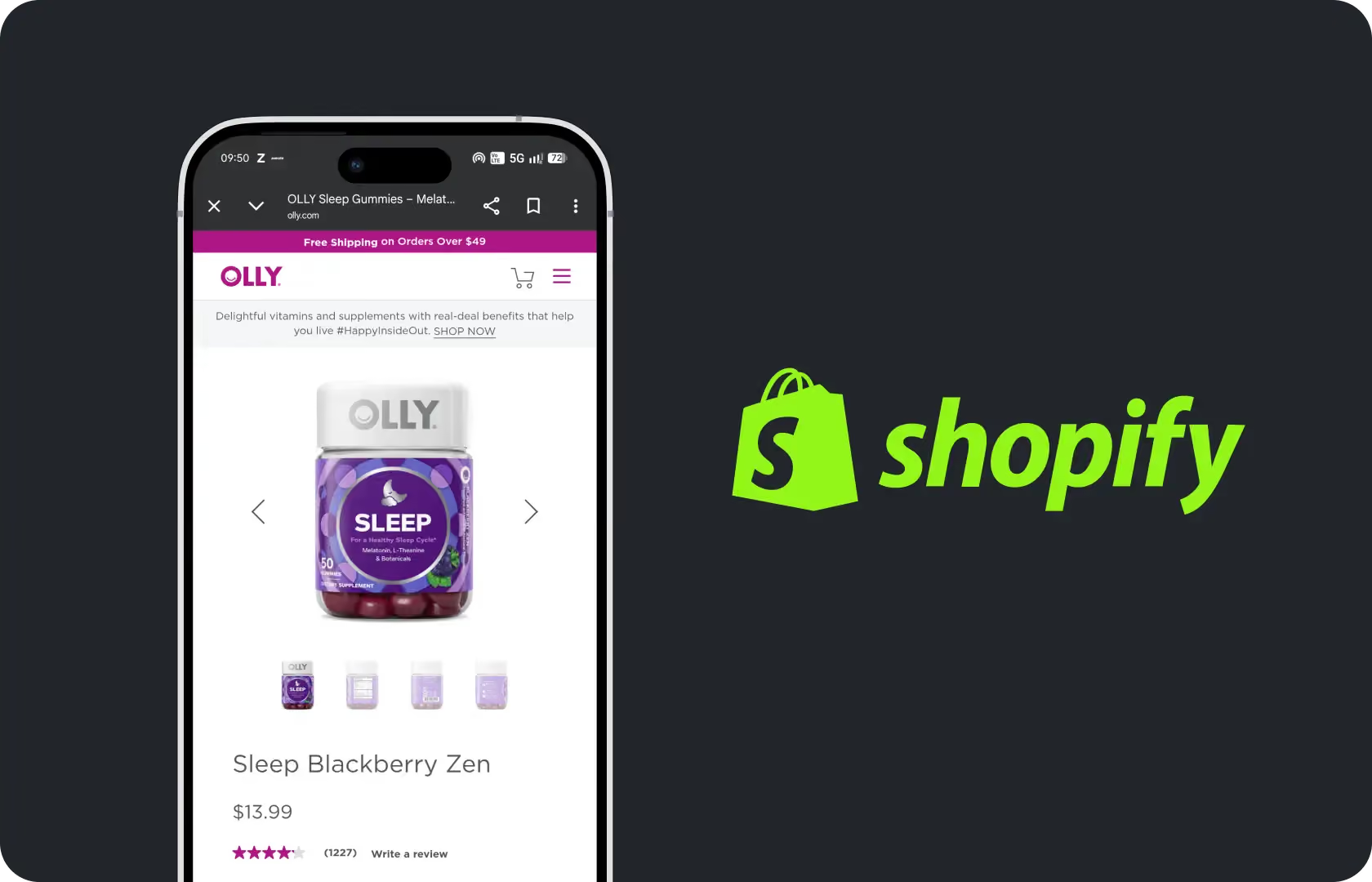
Shopify Development in Web Development
Shopify is the platform most D2C brands build on. That makes it sound straightforward but it actually is not because the platform handles a lot. Hosting, payment processing, order management, the core e-commerce infrastructure. What it does not handle is the quality of the build on top of it. A poorly built Shopify store on a well-designed platform will underperform consistently. It will be slow. It will be hard for the internal team to manage. It will require developer involvement for changes that should take minutes. It will need rebuilding eighteen months after launch because the original implementation was not made with scale in mind.
A well-built Shopify store on the same platform will do the opposite. It will load quickly. The team will be able to make content updates, add products, and build new landing pages without touching code. It will hold up when traffic spikes. And it will still be the right architecture two or three years from now rather than a technical debt problem that has to be paid down before the brand can move forward.
At Suplex Design, our team of Shopify developers builds on Shopify 2.0 with JSON templates and Liquid. That is where the quality lives.
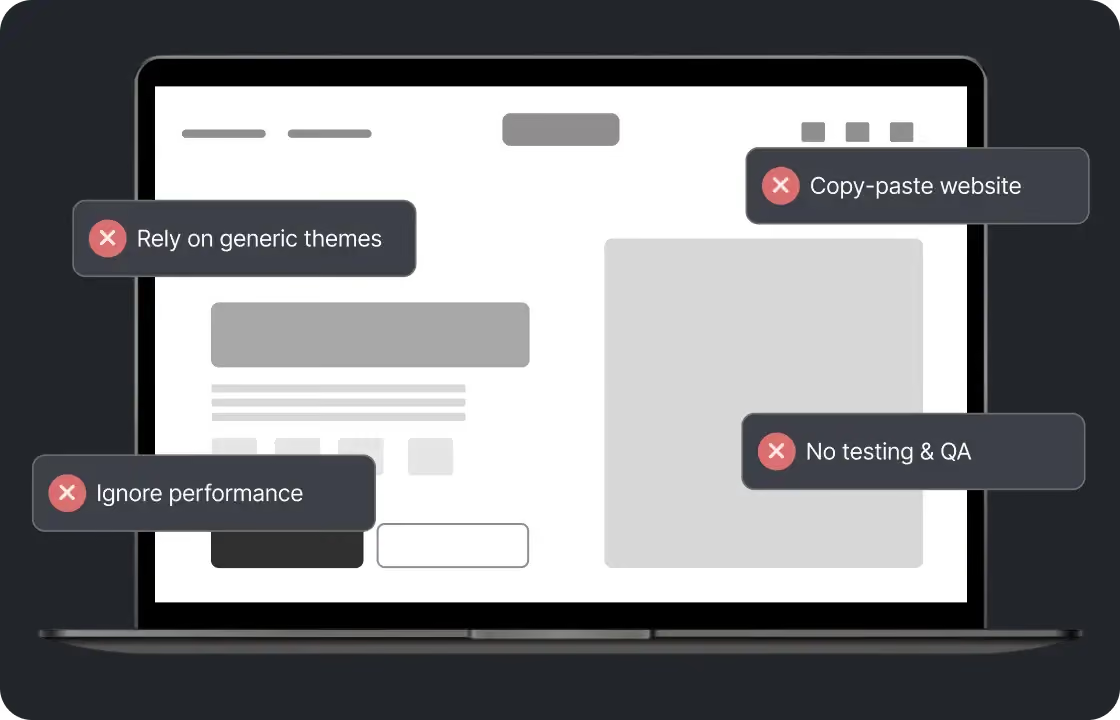
What Shopify Development at Suplex Design Actually Covers
Not just store builds. The full range of what a growing D2C brand needs from the platform. Custom theme development from scratch. Store setup for new brands launching for the first time. Migration from other platforms or from older Shopify themes to Shopify 2.0. Shopify Markets configuration for brands selling across multiple geographies. Checkout Extensibility for Shopify Plus brands that need custom checkout logic. App integration for third-party tools that need to connect to the store without slowing it down. And post-launch support and iteration as the brand grows and the store needs to evolve with it.
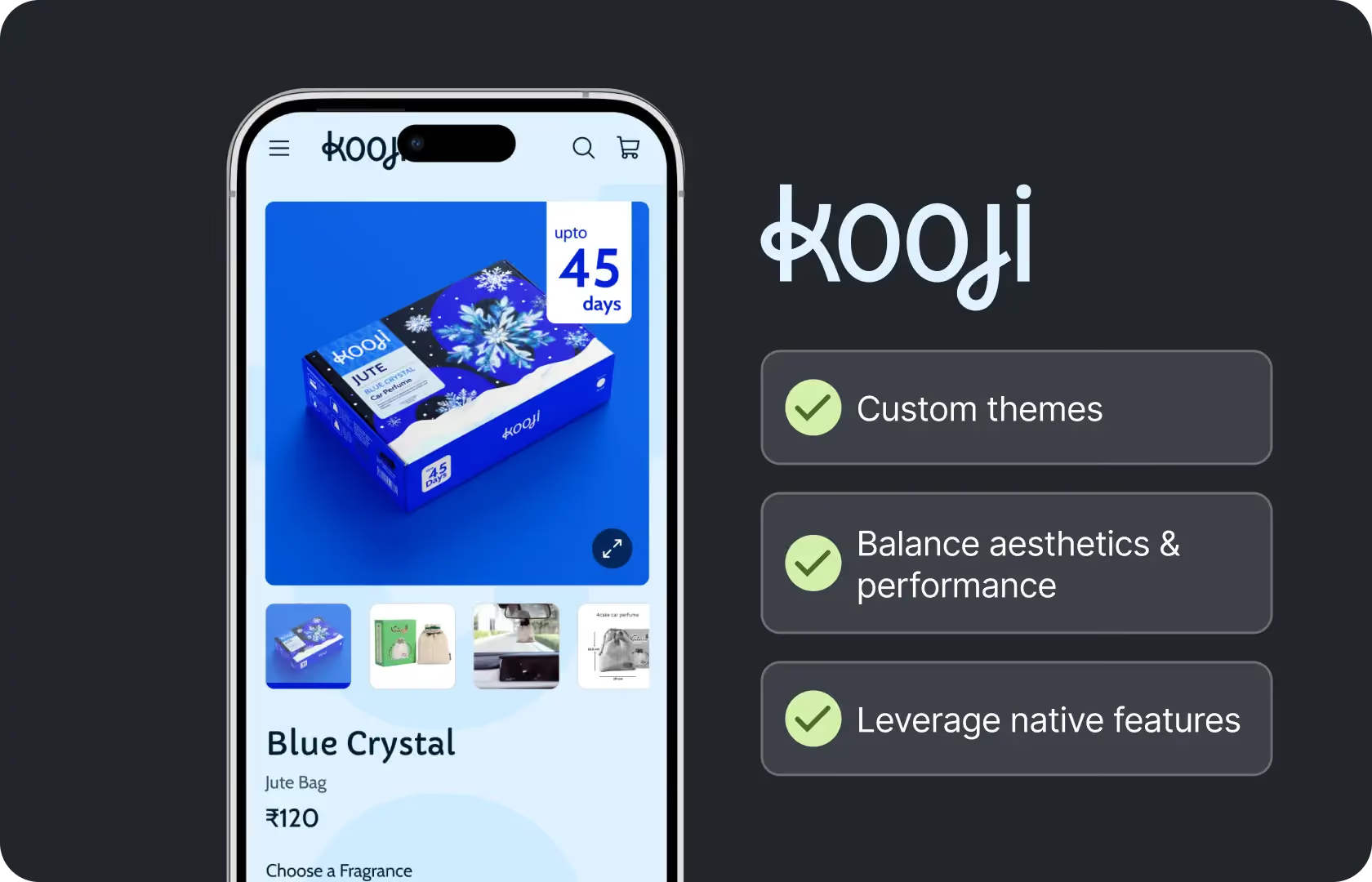
How Suplex Design Approaches Shopify Development
Architecture first. Before a frame is opened in Figma or a line written in Liquid, we need to understand where the brand is going, not just where it is today. A store built for 50 SKUs in one market is a different architecture problem from a store built for 500 SKUs across four markets. Getting that wrong at the build stage is expensive to correct later.
Shopify 2.0 and JSON Templates
Every store Suplex Design builds uses Shopify 2.0 architecture. This is not a technical preference. It is a commercial one. Shopify 2.0 introduced JSON templates and sections everywhere support. What this means practically is that every page in the store, not just the homepage, can have its layout edited by the internal team using the theme editor without any code changes. A merchandising team that wants to add a promotional banner above a collection page can do it themselves. A content team that wants to rearrange the product page layout for a seasonal campaign can do it without a developer.
Stores built on the older Shopify architecture, even some built as recently as 2022, do not have this flexibility. The team has to raise a developer ticket for every layout change. This creates a bottleneck that slows the brand's ability to react to trading conditions, seasonal opportunities, and campaign requirements. At Suplex Design, we will not build on the old architecture. The editorial flexibility of Shopify 2.0 is too commercially significant to give up.
Custom Theme Development
A theme from the Shopify theme store is a starting point for a brand that does not yet have the volume or the specific requirements to justify something custom. For brands that do, a custom theme is where the store starts to feel like the brand rather than like a Shopify store.
At Suplex Design, custom themes are built in Liquid with a component architecture that maps to the design system and the wireframes produced earlier in the project. Every section is modular. Every component has a settings schema that allows the internal team to configure it without touching code. The theme is documented and handed over with a training session so whoever manages the store after launch understands how it is structured and what they can change independently.
We also build with performance as a constraint from the start. Images lazy-loaded and served in next-generation formats. JavaScript deferred where it does not block the initial render. Third-party scripts loaded asynchronously. The target is a Core Web Vitals score that supports organic search visibility and a page load time that does not cost conversions.
Shopify Markets and International Configuration
Shopify Markets is the right tool for most D2C brands selling across multiple geographies from a single store. It allows the brand to manage different currencies, different pricing, different languages, and different checkout configurations for each market from a single admin. A buyer in the UAE sees AED prices and the payment methods relevant to that market. A buyer in the UK sees GBP and a checkout configured for UK VAT. A buyer in India sees INR and UPI at checkout. All from the same product catalogue and the same Shopify store.
Our team at Suplex Design configures Shopify Markets with the specificity each geography requires. Currency switching and local pricing. Language localisation using Shopify's translation layer or Weglot where deeper localisation is needed. Market-specific domains or subdirectories. Payment gateway configuration for each market. Tax and duty settings. And testing in each market before go-live, because a checkout configuration error in a live market costs real orders.
Checkout Extensibility for Shopify Plus
The checkout is where the majority of the revenue decision happens. On standard Shopify, it is largely locked. On Shopify Plus with Checkout Extensibility, it is not.
Checkout Extensibility allows brands to add UI extensions to the checkout without touching the underlying checkout code. Custom fields, upsell offers between cart and confirmation, gift message inputs, loyalty point displays, custom delivery date pickers. All of these are possible with Checkout Extensibility and none of them are possible on standard Shopify.
Shopify Functions go further. They allow custom discount logic, custom shipping rules, and custom payment method filtering that responds to cart conditions rather than applying flat rules. A brand that wants to offer free shipping only when the cart contains a specific product combination, or a discount that applies differently based on customer tags, needs Shopify Functions to implement it cleanly.
At Suplex Design, our team has implemented Checkout Extensibility and Shopify Functions across multiple Plus stores. We build these features with the same care we bring to the rest of the store, because a checkout improvement that introduces instability or slows checkout load time is not an improvement.
App Integration and Performance
Every app installed on a Shopify store adds scripts. Scripts add load time. Load time hurts conversion rate and Core Web Vitals. This is not an argument against using apps. It is an argument for using the right ones, configured correctly, and auditing what is already installed before adding more. At Suplex Design, app integration is approached as a performance trade-off decision. The commercial value of the app needs to justify its performance cost. Apps that load scripts on every page when they are only relevant to one page type get reconfigured to load conditionally. Apps that have been uninstalled but whose code remains in the theme get cleaned out.
For brands with complex app stacks, we run an app audit as part of the development engagement before making any changes. The audit maps every script currently loading, identifies what is actually needed, and flags anything that is either redundant or misconfigured. The cleanup that follows typically produces meaningful speed improvements before any other development work begins.

Tools and Technology
Suplex Design builds Shopify stores using Shopify 2.0, Liquid, HTML, CSS, and JavaScript with JSON templates. Development is done locally using Shopify CLI and version-controlled through GitHub. Theme code quality is reviewed using Shopify Theme Check before deployment. Performance is benchmarked using Google PageSpeed Insights and Lighthouse throughout the build rather than as a final QA step. For Shopify Plus stores, we implement Checkout Extensibility using React-based UI extensions and Shopify Functions written in WebAssembly-compatible languages.
Is a Shopify Development Engagement Right for You?
A few situations where it clearly is. You are launching a new D2C store and want it built properly from the start rather than quickly and then rebuilt. You have an existing Shopify store that is underperforming technically, whether that is slow load times, developer dependency for routine updates, or an app stack that has grown without oversight. You are migrating to Shopify from another platform and want the migration done in a way that preserves SEO equity and does not break the checkout. Or you are on Shopify Plus and want to use the platform capabilities your subscription is paying for.
If you are pre-revenue and need something to test a product concept quickly and cheaply, a custom Shopify development engagement is probably not the right fit yet. There are faster and cheaper ways to validate demand. But if you are past that stage and building something you intend to scale, the implementation quality matters from the first day.
Common Mistakes in Shopify Development
The same ones across the stores we have been brought in to rebuild.
- Building on the old Shopify theme architecture rather than Shopify 2.0, locking the team into developer dependency for layout changes that should be editable through the theme editor.
- Installing apps without reviewing their performance impact, producing stores where the combined script weight of the app stack is slowing the store more than any individual optimisation can offset.
- Not testing the checkout in every configured market before launch, discovering payment failures and configuration errors when real buyers encounter them rather than in a controlled pre-launch review.
- Building a theme without component documentation or a handoff training session, leaving the internal team unable to manage the store independently after launch.
- Treating performance as a post-launch concern rather than a build constraint, producing themes that look polished but load slowly and hurt both conversion rate and organic search visibility.
- Not planning for the brand's catalogue growth at the architecture stage, building a navigation structure and collection hierarchy that works for the current range and breaks when the range expands.
At Suplex Design, the development process is structured to catch all of these before they become problems in production.
Why Shopify Development Quality Matters
The implementation quality of a Shopify store determines how the brand operates and grows for as long as the store is on that codebase. A slow store costs conversion rate every day it is slow. A store that requires developer involvement for routine changes creates a bottleneck that slows the brand's ability to respond to trading conditions. A store built without Shopify 2.0 architecture cannot benefit from the editorial flexibility that the platform now offers without a rebuild.
These costs are not dramatic in the short term. They compound. A brand that spends its first year fixing implementation problems it could have avoided is a brand that is not spending that time and budget on growth, on product development, or on the customer experience improvements that drive retention. The quality of the initial build is an investment in the brand's operating capacity, not just in the launch.
How Suplex Design Approaches Shopify Development for Your Brand
Every Shopify development project at Suplex Design starts with understanding where the brand is going before deciding how to build for where it is today. The architecture is designed for scale. The theme is built on Shopify 2.0 for editorial flexibility. Performance is a constraint from the start. And the handoff includes documentation and training so the internal team can run the store without coming back to us for every update.
Launching a new store? Rebuilding one that is underperforming? Migrating from another platform? Want to actually use what Shopify Plus is paying for? Get in touch with Suplex Design.

Frequently Asked Questions
What Shopify development services does Suplex Design offer?
Custom theme development on Shopify 2.0, new store setup and configuration, platform migration from WooCommerce, Magento, or older Shopify themes, Shopify Markets setup for multi-market selling, Checkout Extensibility and Shopify Functions for Plus stores, app integration and performance auditing, and post-launch support. We work with both standard Shopify and Shopify Plus.
How much does Shopify development cost at Suplex Design?
A standard store setup or theme customisation engagement typically starts from around $1,500 at Suplex Design. A full custom theme build from scratch, multi-market configuration, and Plus Checkout Extensibility work each adds to that scope. We scope clearly before starting so the cost reflects what is actually being built.
How long does a Shopify development project take?
A focused store setup or theme customisation typically takes three to five weeks. A full custom theme build from discovery to launch runs five to ten weeks depending on the complexity of the design, the number of markets, and whether Plus checkout work is in scope. We confirm the timeline during the scoping phase so there are no surprises on either side.
Do you work with existing Shopify stores or only new builds?
Both. A significant portion of our Shopify work at Suplex Design is with existing stores, whether that is a performance audit and optimisation, a migration from an older theme to Shopify 2.0, adding Shopify Markets to an existing store for international expansion, or implementing Checkout Extensibility for a brand that has recently moved to Plus. We assess what exists before recommending what to change.
Do you provide ongoing development support after launch?
Yes, absolutely. Suplex Design offers ongoing Shopify development support after launch covering bug fixes, performance monitoring, new feature development, app additions and auditing, and iterative improvements as the store grows. In our experience, the most commercially significant development work on a Shopify store happens in the months after launch, not before it.
Let’s Make It Happen
Shopify Success Stories

AuraML
How Suplex helped AuraSIM shift from a simulation tool to the brand that makes physical AI feel ready for the real world.

Tea Culture of the World
How Suplex made 120 teas from across the world feel like a discovery rather than a decision.

Great Lakes
How Suplex built a full stack website for a Midwest tequila brand with a real production story.
Why Suplex?
World Class Aesthetics
.webp)
Profitable E-Commerce
.webp)
Build A Brand
.webp)
Build Your D2C Business The Right Way
Build It With Suplex.


