Webflow
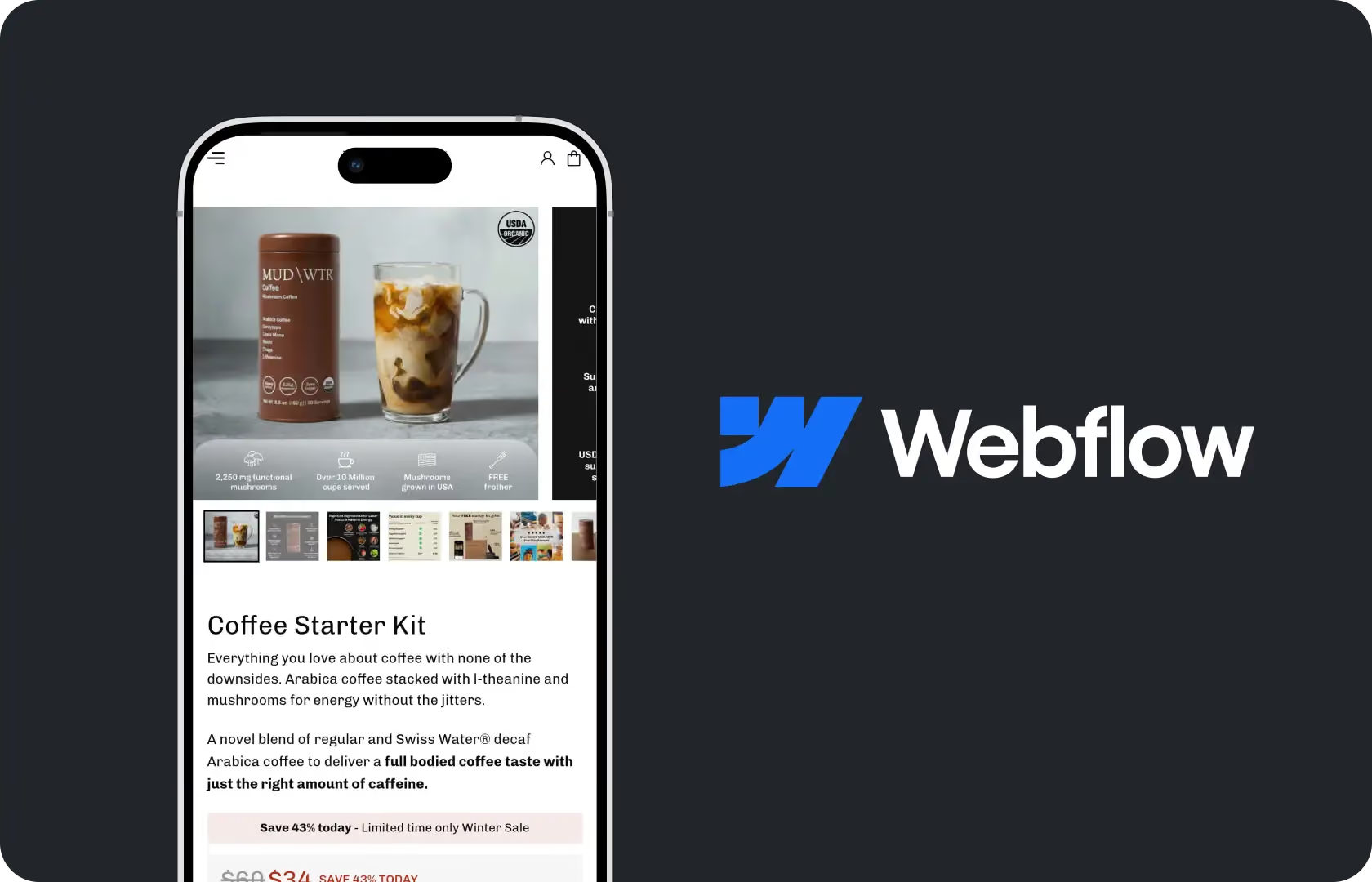
Webflow Development in Web Development
Webflow sits in an interesting position in the development landscape. It gives designers more visual control than any mainstream CMS allows, produces genuinely clean semantic HTML and CSS without plugin overhead, and gives non-technical team members enough editorial flexibility to manage content after launch without depending on a developer for every update.
It also has real limitations that are worth understanding before committing to it. The native e-commerce features work well for brands with smaller, simpler catalogues and do not scale cleanly to large or complex product ranges. The CMS item limits matter at scale. And some interactions and animations that look achievable in Webflow's designer require considerably more effort to implement correctly than they appear.
At Suplex Design, Webflow is not a default recommendation or a way to reduce development cost. It is the right platform for a specific profile of D2C brand, and when that profile matches, it is genuinely excellent. When it does not, we say so.
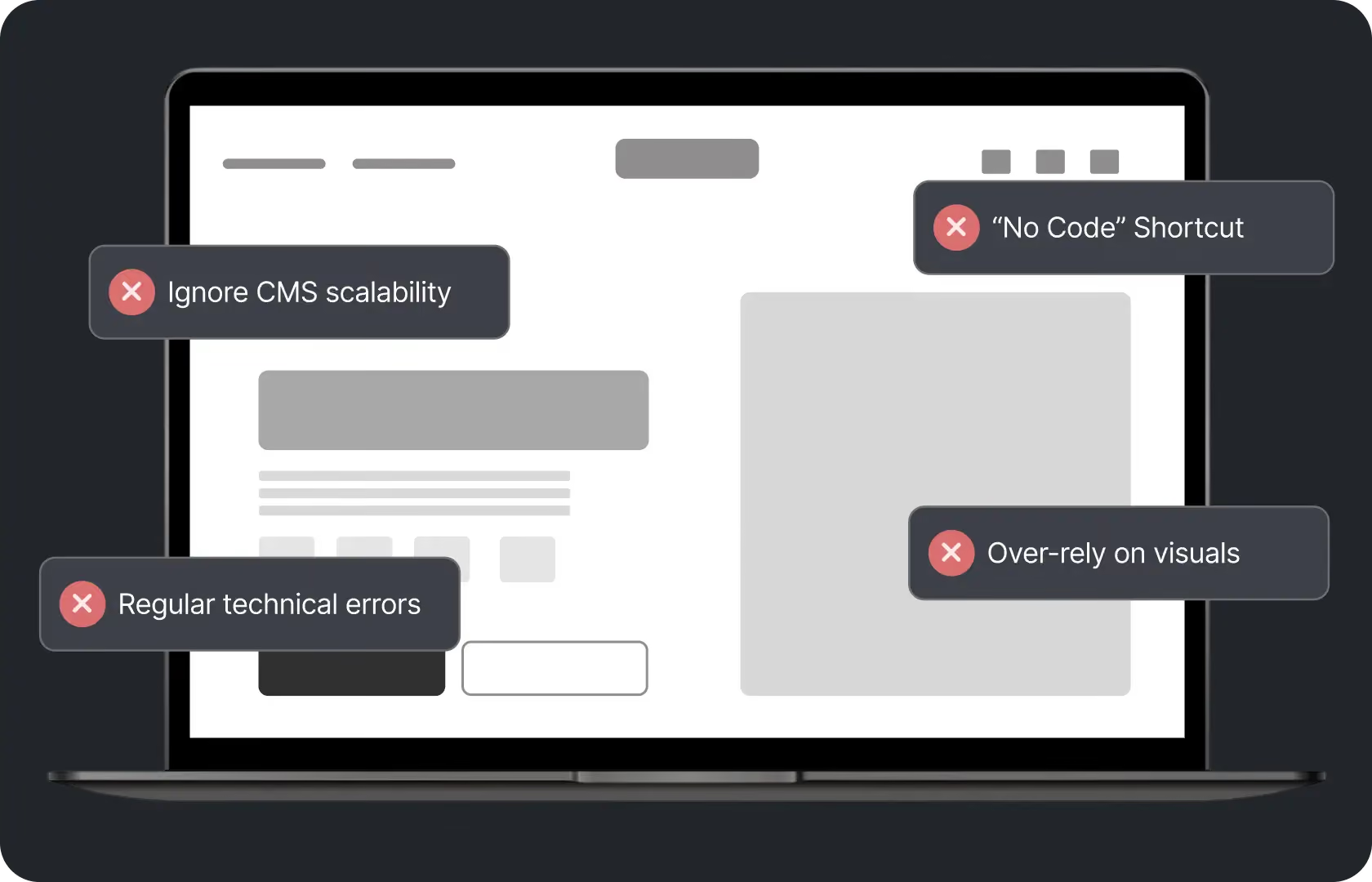
What Makes Webflow Different
Three things that are genuinely distinct from other platforms. Visual design control. Webflow gives designers pixel-level control over layout, spacing, typography, and interactions without writing CSS manually. Every visual decision made in Figma can be replicated in Webflow with accuracy that is not possible in WordPress without custom CSS work or in Shopify without theme customisation. For brands where the visual design is the primary commercial differentiator, this matters.
Output quality. The code Webflow generates is semantic, clean, and performant. There is no plugin layer adding scripts and styles to every page load. There is no PHP backend processing requests. The result is a site that tends to be faster out of the box than a comparable WordPress or WooCommerce installation, with better Core Web Vitals scores and lower hosting overhead.
Editorial flexibility. The Webflow CMS gives non-technical team members the ability to add pages, update collections, and manage content through a structured editor without touching design or code. The permission levels are granular enough that editorial access can be separated from design access, which matters for brands with a content team that should not be able to break the site while updating a blog post.
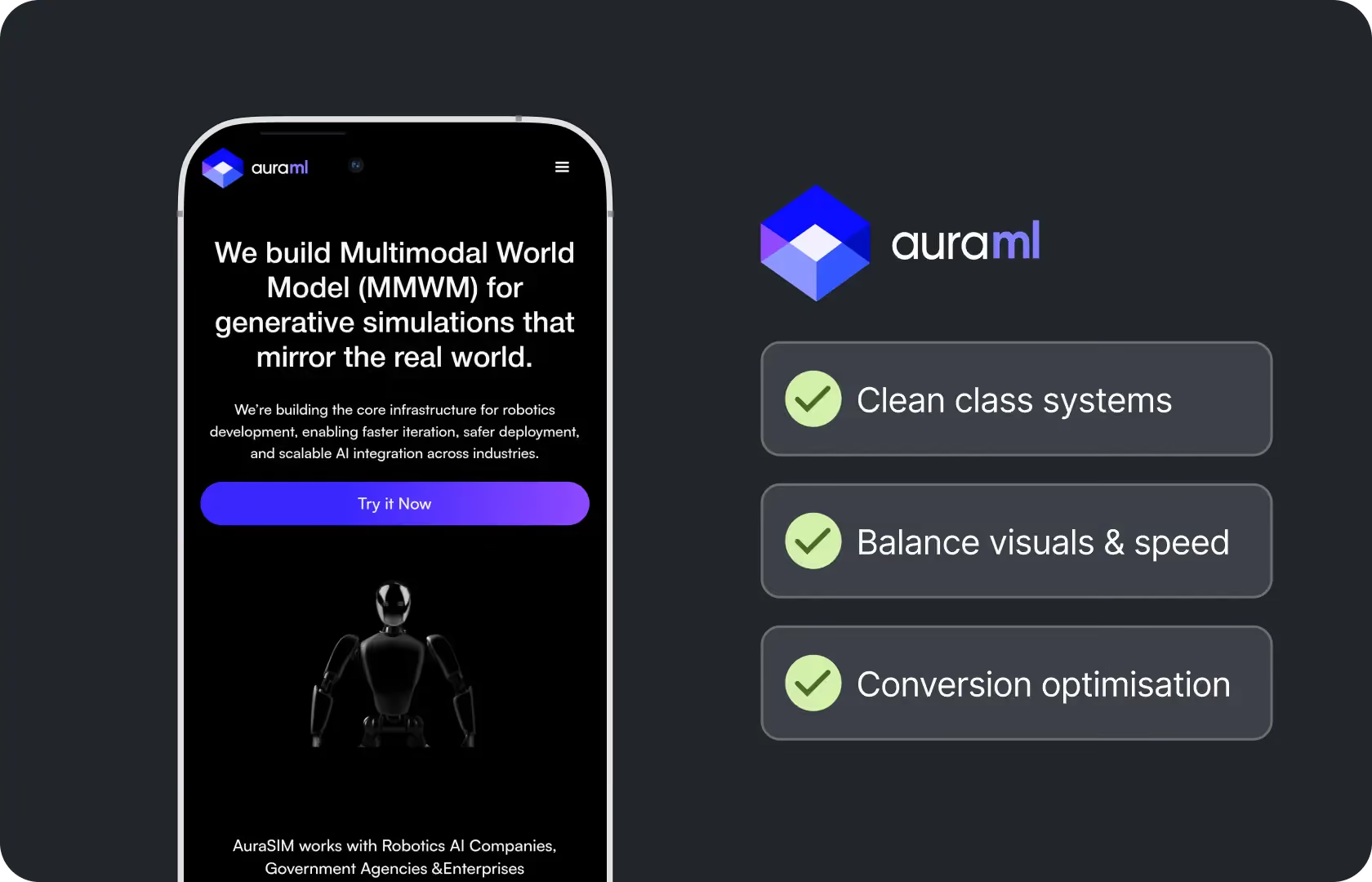
How Suplex Design Approaches Webflow Development
Design system first. Webflow is only as good as the design that goes into it, and a Webflow site built without a proper component structure in place degrades into inconsistency quickly as content is added over time.
CMS Architecture and Content Modelling
The Webflow CMS is powerful when it is structured thoughtfully. It becomes a limitation when it is not. Before any design or development work begins, our team maps the content model. Which content types the site needs. What fields each content type requires. How references between collections work, a blog post referencing authors, an author referencing their posts, a product referencing its category. How the CMS item limits within the chosen Webflow plan apply to the brand's actual content volume and projected growth.
Getting the content model right before building means the editorial team inherits a CMS that matches how they actually work rather than one that requires workarounds from day one. Getting it wrong means the site needs a structural rebuild when the brand outgrows the model it was built on, which is both expensive and disruptive.
Component-Based Design in Webflow
Webflow's component system, introduced properly in 2022 and expanded since, allows designers to build reusable components that update globally when edited. A card that appears in three different collection list contexts can be a single component rather than three separate elements.
At Suplex Design, we build Webflow projects with a component-first approach that maps directly to the design system created in Figma. Every repeating UI pattern is a component. Every typographic style is a class. Every spacing value comes from the global size scale. This is not how most Webflow projects are built because it requires discipline upfront. It is how Webflow projects should be built, because it is what makes the site maintainable a year after launch when the original developer is no longer actively involved.
Interactions and Animations
Webflow's interaction and animation system is one of its most compelling features and one of its most commonly misused ones. The system can produce genuinely impressive scroll-triggered animations, hover states, and page transitions. It can also produce sites that are heavy with animation, slow on lower-powered devices, and distracting rather than enhancing. Our team at Suplex Design builds interactions purposefully. Each animation earns its place by making the experience feel more polished or by communicating something that a static layout cannot. Animations added because they look impressive in the designer preview but create friction on mobile get cut.
We also test interactions on real devices. An animation that looks smooth on a developer's MacBook can stutter on a mid-range Android phone. Performance testing on real hardware is part of every Webflow interaction implementation at Suplex Design.
Webflow E-commerce and Hybrid Commerce Setups
Webflow's native e-commerce is right for brands with a manageable catalogue, straightforward product variants, and a primarily marketing-led web presence with commerce as a secondary function.
For brands with more complex commerce requirements, a hybrid setup often works better. Webflow handles the marketing site, the content, and the editorial pages. Shopify or a headless commerce backend handles the actual product catalogue, the cart, and the checkout. The two connect via Shopify's Buy Button or a more deeply integrated headless configuration depending on the requirements.
Our team at Suplex Design has built both native Webflow e-commerce setups and hybrid Webflow-plus-Shopify configurations. The recommendation depends on the catalogue complexity, the checkout requirements, and what the brand actually needs from its commerce layer. We scope this during the discovery phase rather than defaulting to one approach.
SEO Configuration in Webflow
Webflow has strong native SEO capabilities that most builds underuse. Meta titles and descriptions are configurable at the page and collection item level. Open graph settings are built in. Sitemaps are generated automatically. The HTML structure produced by Webflow is generally clean and well-structured for search engines. Schema markup can be added via custom code embeds. And the site performance characteristics, load speed and Core Web Vitals scores, are typically stronger than a comparable WordPress site.
Where Webflow has historically been weaker is in URL structure flexibility and in handling certain redirect patterns. Our team configures SEO settings systematically during the build rather than leaving them as defaults, ensures redirect logic is correctly set up for any migrated content, and documents the ongoing SEO maintenance process for the team managing the site after handoff.

Tools and Technology
Suplex Design builds Webflow projects in Webflow Designer with a component-based architecture. Design work is done in Figma with a component library that maps to the Webflow build. Custom code is written in HTML, CSS, and JavaScript within Webflow's custom code embeds for functionality the native platform does not support. Hybrid commerce setups use Shopify's Buy Button or a headless integration via the Storefront API. Finsweet's client-first CSS methodology is used on projects where the class naming convention matters for long-term maintainability.
Is Webflow the Right Platform for You?
A few situations where it tends to be the right platform for you are when the brand is design-led and the visual distinctiveness of the site is central to how it competes. When the team needs to manage editorial content independently without developer dependency. When the catalogue is manageable in size and the commerce requirements are straightforward. Or also when the brand needs a visually polished marketing site with a separate commerce layer handled elsewhere.
Webflow tends not to be the right choice when the catalogue is large and complex, when the checkout needs significant customisation, or when the brand's growth trajectory will push against Webflow's CMS limits within twelve to eighteen months. In those cases, Shopify or a custom build is usually the better long-term decision.
Common Mistakes in Webflow Development
A few we see consistently.
- Building without a component system, producing a site that looks consistent at launch and drifts into visual inconsistency within months as new pages are added by people working from copies of existing pages rather than from shared components.
- Overusing interactions and animations, producing sites that feel visually impressive in a demo and frustratingly slow or distracting in real use, particularly on mobile devices.
- Choosing Webflow native e-commerce for a catalogue that will outgrow it, requiring either a significant rebuild or a migration to a commerce platform within two years.
- Not planning for the CMS item limits within the chosen Webflow plan, discovering the limit has been reached when the content team is trying to publish new collection items.
- Handing the site over without training the editorial team on the CMS, producing a situation where a site built for editorial independence ends up with the same developer dependency as if it had been built on a harder-to-manage platform.
At Suplex Design, the handover includes a CMS training session and documentation so the editorial team can actually use what was built for them.
Why Webflow Development Quality Matters
A Webflow site built without a component system and without a thoughtful content model will degrade over time in the same way any other site built without these things degrades. The visual consistency will drift. The CMS will become unwieldy. The interactions that worked on the designer's machine will create performance issues on devices the team did not test on. And the site will eventually need to be rebuilt.
A Webflow site built with proper architecture, a component system, a well-structured content model, and performance tested on real devices, holds up. The editorial team can manage it. The design stays consistent. The performance stays strong. And the brand has a foundation it can build on rather than one it has to work around.
How Suplex Design Approaches Webflow Development for Your Brand
Every Webflow project at Suplex Design starts with a content model and a component architecture before anything is built in the designer. The build follows the design system. Interactions are purposeful and tested on real devices. The handover includes training and documentation. And we assess whether Webflow is genuinely the right platform before recommending it.
Design-led D2C brand that fits the Webflow profile? Existing Webflow site that has drifted and needs a structural rebuild? Not sure whether Webflow or Shopify is the right call for your specific requirements? Get in touch with Suplex Design.

Frequently Asked Questions
What Webflow development services does Suplex Design offer?
Custom Webflow builds with a component-based architecture, CMS content modelling and configuration, interaction and animation development tested on real devices, native Webflow e-commerce for appropriate catalogue sizes, hybrid Webflow-plus-Shopify setups for more complex commerce requirements, SEO configuration, and post-launch editorial training and support.
How much does Webflow development cost at Suplex Design?
A focused Webflow marketing site with CMS setup typically starts from around $2,000 at Suplex Design. Projects with native e-commerce, hybrid commerce configurations, complex animations, or large content models cost more. We scope clearly before starting so the cost reflects what is actually being built.
How long does a Webflow project take?
A focused marketing site with CMS typically takes four to seven weeks from discovery to launch. Projects with more complex content models, commerce integration, or interaction-heavy design take longer. We confirm the timeline during scoping.
Can Webflow handle a large product catalogue?
Webflow's native e-commerce handles smaller catalogues well. For larger or more complex product ranges, a hybrid setup connecting Webflow to Shopify or another commerce backend usually works better. The threshold depends on the number of SKUs, the variant complexity, and what the checkout needs to do. We assess this during the discovery phase and recommend the right architecture for the brand's actual requirements.
Do you provide ongoing support after the Webflow site launches?
Yes, absolutely. Suplex Design provides ongoing Webflow support covering design updates, new page and section development, CMS structural changes, interaction updates, and performance monitoring. Webflow projects benefit from ongoing development partnership because the platform evolves rapidly and new capabilities are worth incorporating as they become available.
Let’s Make It Happen
Shopify Success Stories

AuraML
How Suplex helped AuraSIM shift from a simulation tool to the brand that makes physical AI feel ready for the real world.

Tea Culture of the World
How Suplex made 120 teas from across the world feel like a discovery rather than a decision.

Great Lakes
How Suplex built a full stack website for a Midwest tequila brand with a real production story.
Why Suplex?
World Class Aesthetics
.webp)
Profitable E-Commerce
.webp)
Build A Brand
.webp)
Build Your D2C Business The Right Way
Build It With Suplex.


